
How to Deal With Bad Airbnb Guests: A Host's Playbook for Before, During, and After the Stay

“Designed to help Airbnb hosts deliver comfort, confidence, and 5-star stays.”
A practical guide from STR Management Co on screening, enforcement, damage recovery, and the operational backup that keeps one bad guest from wrecking your week.
It's 11 p.m. and a neighbor just texted a photo of a packed driveway and a thumping bass line coming from your rental. By the time you've handled the noise, rescheduled the cleaner, documented the mess, and filed for damages, you've lost a night's sleep and possibly the next reservation.
Here's the part most hosts miss: by the time a bad guest is inside your home, you've already lost most of your leverage. The most reliable way to deal with bad Airbnb guests isn't reacting faster after the fact — it's building a screening, rules, and documentation process before you ever accept the booking. Airbnb's guest ground rules already require guests to follow house rules, respect approved guest counts, and avoid disruptive gatherings, and repeat offenders can be suspended or removed. Your job is to set the system up so those rules are easy to enforce when you need them.
Prevention beats reaction. Most "bad guest" problems are preventable with screening, clear booking settings, and unambiguous house rules.
Keep everything on-platform. Your Airbnb message thread is your evidence trail for support requests, reimbursements, and review disputes.
Document before you reset the unit. As of Airbnb's April 2026 Host Damage Protection update, claims require verifiable, timestamped documentation — and AI-generated "evidence" is explicitly banned.
File damage claims within 14 days of checkout through the Resolution Center. AirCover for Hosts covers up to $3 million per booking, but routine cleaning isn't included.
A bad guest is an operations problem, not a customer-service problem — it triggers a chain reaction across messaging, cleaning, maintenance, and review strategy.
Stop bad guests before they book
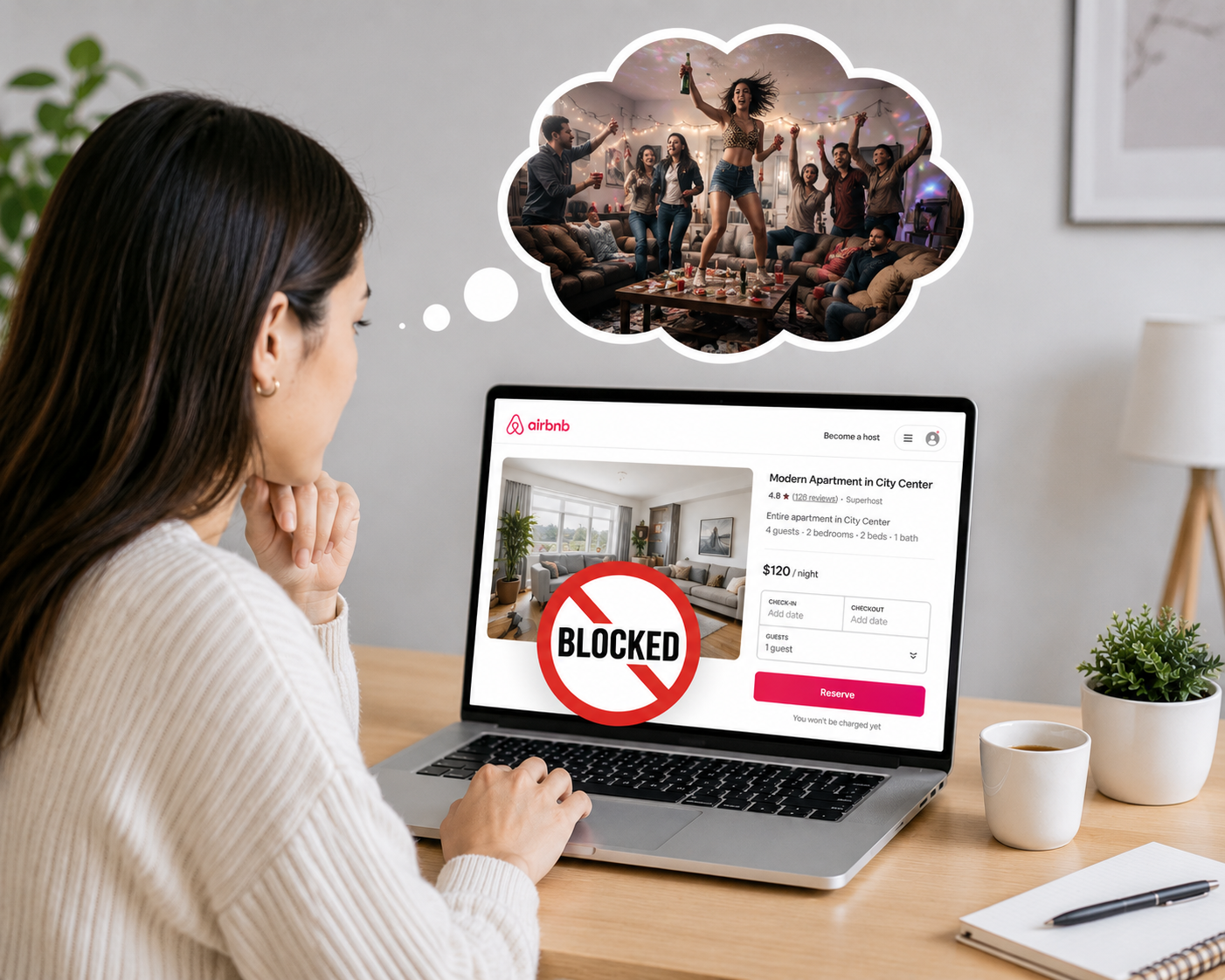
“Smart hosting starts with blocking risky bookings.”
The strongest defense starts before check-in. AirCover for Hosts includes guest identity verification, reservation screening, host damage protection, host liability insurance, and a 24-hour safety line — but Airbnb is clear that these tools reduce risk rather than guarantee a clean stay. That gap is exactly why you need your own screening workflow on top of Airbnb's automated checks.
Start with your booking settings, because they do quiet work around the clock:
Instant Book requirements. If you use Instant Book, require guests to have a good track record and add a preset pre-reservation message with questions they must answer before booking.
Preparation time between stays. Set a buffer — a same-day cutoff or a longer notice period — so you always have time for a proper turnover and inspection before the next arrival.
Behavior-based screening, kept on-platform. Airbnb's own guidance is to keep booking, messaging, and payments inside the app. That's not just policy compliance; your thread becomes the cleanest evidence trail if you later need a reimbursement, cancellation, or review dispute.
One thing to set expectations on: Airbnb doesn't hand you a guest's government ID at booking. You can only request ID after booking, and only when your listing discloses that it's required for a legal or compliance reason. So your pre-booking process should lean on clarity and written acknowledgment of your rules, not invasive documentation.
The five questions to ask before you accept a booking
Good screening questions do two things at once: they surface risk early, and they create a written record — inside the platform — that the guest understood your rules before arrival. Keep them simple and specific:
What brings you to town? ("Local staycation for my birthday" is a different risk profile than "in town for a conference.")
Who's traveling, and how many adults, children, and pets?
Have you read and agreed to the house rules — quiet hours, guest-count limits, and the no-party policy?
What's your approximate arrival time?
Any special needs that affect check-in, parking, or use of the home?
Airbnb explicitly supports pre-reservation messages and requires guests to agree to house rules in the booking flow, so none of this is off-pattern — you're just using the tools deliberately.
If a reply feels evasive, inconsistent, or aggressive, trust the signal. If a guest makes you uncomfortable before you've accepted, you can decline the trip request, and you can flag inappropriate messages directly in the thread. A single uneasy exchange is cheaper to walk away from than a stay gone wrong.
Write house rules that actually hold up
A good house-rules template doesn't try to sound intimidating. It removes ambiguity. Airbnb's standard rule categories cover pets, events, smoking, quiet hours, check-in and checkout times, maximum guest count, and commercial photography — and you can add your own rules on top, which become enforceable through the guest ground rules when direct resolution fails.
Here's a clean, enforceable starting template you can adapt:
Only registered guests and pre-approved visitors are allowed on the property.
No parties, events, or open-invite gatherings of any size.
Quiet hours are 10 p.m. to 8 a.m.
No smoking or vaping inside the home.
No early check-in or late checkout without written approval.
Report any damage, maintenance issue, or accidental spill immediately through Airbnb messages.
Violations may result in cancellation, reimbursement requests for damage or unexpected cleaning, and a report to Airbnb.
That format works because every line maps to a risk area Airbnb already backs you on — events, quiet hours, guest maximums, smoking, and written additional rules.
Be especially explicit about guest counts. Guests are expected to be truthful about how many people are coming and to respect the approved count; if they want to add people, they're supposed to message you first and update the reservation where allowed. Some hosts charge an extra-guest fee, others enforce a hard cap. If your listing is vague here, you're inviting the argument.
When a guest breaks the rules: document, communicate, escalate
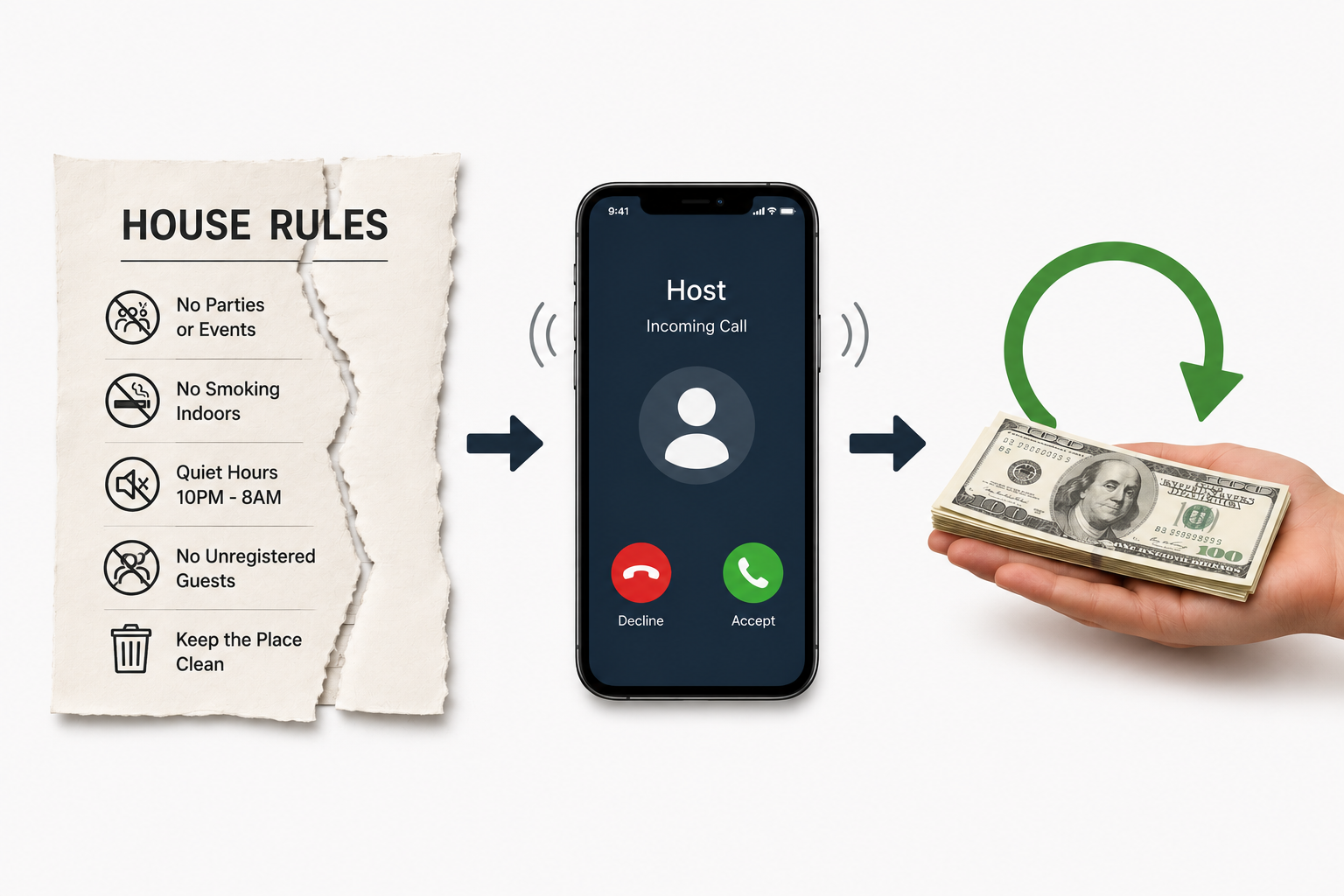
“From house rule violations to host support — every issue deserves a fair resolution.”
The order matters. Document first, communicate second, escalate third.
Document. If there are extra visitors, smoke odor, missing items, excessive trash, or any clear violation, take photos or video, note timestamps, and keep it all in the Airbnb thread. This is your record if the situation becomes a damage claim later.
Communicate. Airbnb wants you to try to resolve directly with the guest first. Send a calm, factual message — not an emotional one. Restate the specific rule and the specific fix you're asking for.
Escalate. If direct resolution fails, contact Airbnb to report the issue, and use the Resolution Center for any damage or unexpected cleaning.
The reason "document first" comes before "communicate" is practical: once a guest knows they've been caught, the evidence can disappear. A timestamped photo sent calmly into the thread protects you twice — it gives support agents context, and it dates the problem.
The party policy is strict — know how to use it
Airbnb's Community Disturbance Policy bans open-invite parties and disruptive gatherings regardless of size. Documented signs of disruption include excessive noise, excessive trash, trespassing, smoking and parking nuisances, vandalism, and reckless behavior. Airbnb's screening system also looks at reservation signals, account history, listing type, and message-thread topics to flag higher-risk bookings before they're confirmed.
If you learn a guest intends to throw an unauthorized party, you may be able to cancel without penalty if you provide supporting evidence — which is one more reason your documentation habit matters. If your personal safety is ever threatened, contact local emergency services immediately; Airbnb's 24-hour safety line is for non-emergency safety concerns.
This is the moment that exposes solo hosts. A quiet-hours violation at midnight can cascade into a guest removal, a cleaner reschedule, and a neighbor-relations problem — all at once, all after dark.
Extra guests: handle them the right way
This is where well-meaning hosts make an avoidable mistake. They discover extra guests, fire off a frustrated message, and then try to collect the difference the wrong way.
The clean path:
If you can accommodate them: send a trip change that includes the added cost. Reservation changes — not the Resolution Center — are the correct tool for guest-count, pet-count, or night changes.
If you can't: tell the guest the home isn't the right fit for the larger group and ask them to cancel according to your cancellation policy.
The Resolution Center is for damage and unexpected costs, not for collecting on a guest-count change. Using the wrong tool slows everything down and weakens your position.
Filing a damage claim after checkout
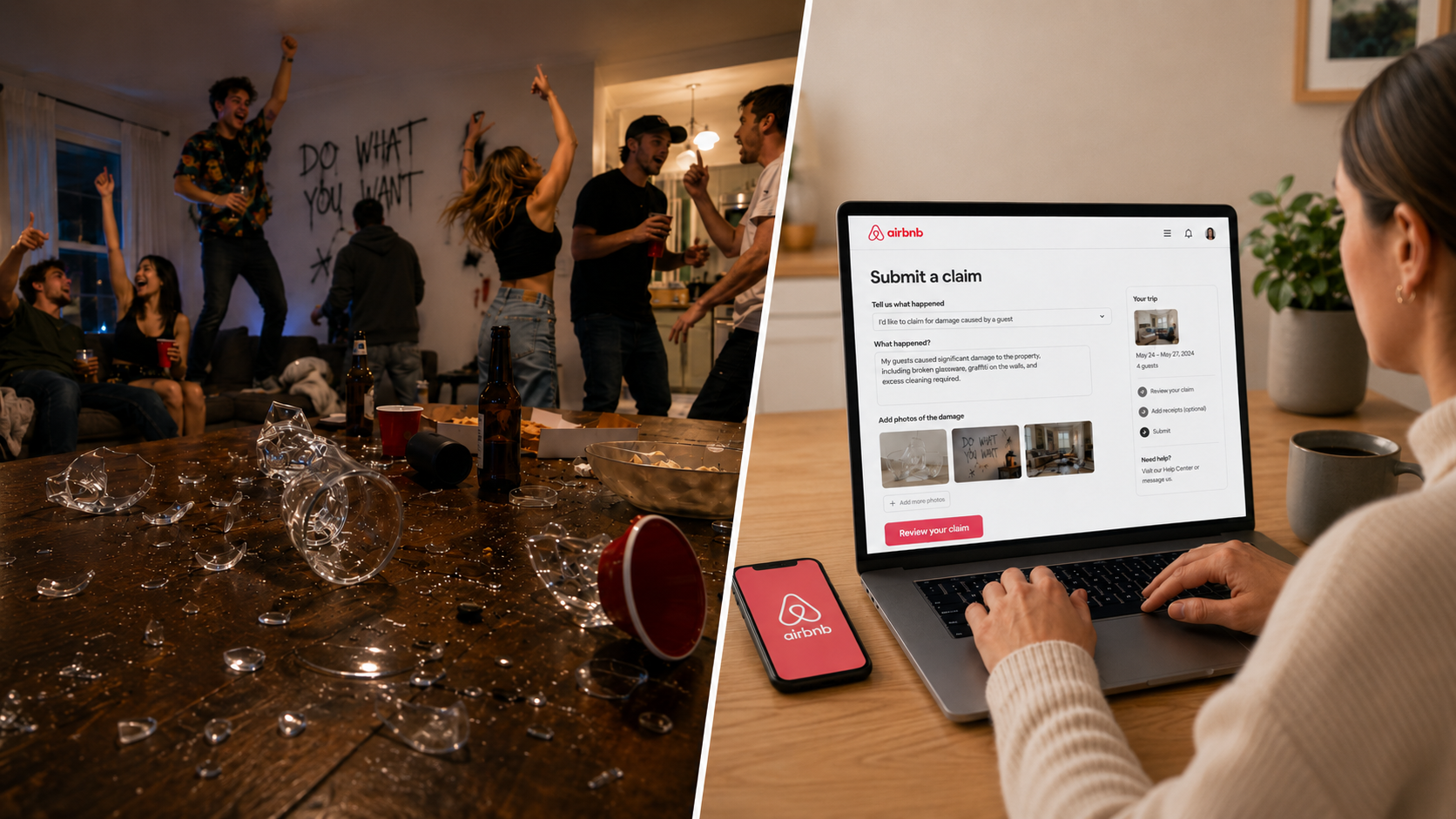
“Host protection starts with clear evidence and quick action.”
Move quickly and methodically. Airbnb's Host damage protection reimburses up to $3 million per booking when a guest damages your place or belongings — but the process is unforgiving about timing and evidence, and it got stricter in 2026.
The timeline:
What AirCover covers vs. what it doesn't:
The practical takeaway from the 2026 update is blunt: your documentation is now the deciding factor. Timestamped before-and-after photos and itemized invoices on professional letterhead are what separate approved claims from denied ones. And because AI-generated "evidence" is now grounds for denial (and account action), your records have to be real, contemporaneous, and verifiable.
One more reality check: most hosts can't collect a traditional security deposit through Airbnb. Only certain software-connected hosts (via a connected PMS) can require one at booking. And AirCover isn't insurance. Think in layers: house rules → screening → documented communication → operational controls → AirCover → your own short-term-rental policy.
Reporting a guest and protecting the next host

“Reporting a bad guest isn’t just about resolving one stay — it’s about protecting the next host from the same risk.”
You can report a guest through their profile and flag suspicious messages or listings. Reports help keep the platform safe, and Airbnb can suspend or remove repeat rule-breakers.
Don't skip the review. Reviews tell future hosts what to expect on cleanliness, house rules, and communication, and you have 14 days after checkout to leave one. Keep it factual and unemotional — a calm, specific review protects the next host and strengthens your own record. And if a guest leaves a retaliatory review after you've called out a rule violation, you may be able to dispute it.
Why dealing with bad guests is really an operations problem
Here's the reframe that changes how you handle all of this: a bad guest isn't a customer-service problem you solve with one good message. It's an operations chain reaction. One incident can mean late-night messaging, a cleaner reschedule, a maintenance dispatch, a supply restock, neighbor communication, photo documentation, a reimbursement request, and a review strategy — sometimes all from a single stay.
That's the gap STR Management Co is built to close. Our flat-fee model wraps the systems hosts actually need when something goes wrong:
24/7 human guest support, so midnight problems aren't yours alone to solve
Cleaning and quality-inspection scheduling with photo/video verification — which doubles as your damage-claim documentation
Repair and maintenance coordination and vendor dispatch
Review management and dispute support
Property security oversight
AI guest identity verification to help reduce fraud and chargebacks
You keep control of your listing, your brand, your guest relationships, and your payouts. We handle the day-to-day friction that bad guests expose.
FAQ
Can Airbnb guest screening completely prevent bad stays? No. Identity verification and reservation screening reduce party and property-damage risk, but Airbnb is explicit that they aren't guaranteed to prevent incidents. You still need clear rules, good pre-booking questions, and operational follow-through.
What should I do about extra guests? If you can host the larger group, send a reservation change with the updated price. If you can't, tell the guest your place isn't the right fit and ask them to cancel. Use reservation modifications — not the Resolution Center — for guest-count changes.
Can I charge routine cleaning through a damage claim? Usually not. Routine checkout cleaning isn't covered, but certain unexpected cleaning costs may be — stains, smoke odor, pet accidents, and cleanup tied to unapproved extra guests. Document the difference between "messy" and "damaged."
What if a guest breaks the rules and then leaves a bad review? Report the violation to Airbnb support, leave your own honest review, and — if the bad review was retaliatory after you flagged a violation — you may be able to dispute it.
Your next step
If your honest answer to "how do you deal with bad Airbnb guests?" is still react and hope, you have a systems gap, not a bad-luck problem. Pick one fix this week: tighten your screening questions, rewrite your house rules using the template above, or set up a documentation routine before your next turnover.
And if you're tired of midnight guest texts, cleaner no-shows, and reimbursement paperwork eating your evenings — that's exactly the workload STR Management Co takes off your plate, flat-fee, with no long-term contracts.
Which bad-guest situation has cost you the most — a party, a damage claim, or a retaliatory review? Tell us in the comments and we'll point you to the fix.
